Topic: 6 Issues/Problems discovered with new da Vinci 1.0 Pro (up to 9 now)
I have sent individual emails for each of the 6 problem to XYZprinting to an email address they provided me after calling them. Seems they were having, as they put it, "Technical Difficulties" with the Support Web Form this morning. I landed up calling them this morning because every attempt to "Submit" a Support request failed with errors like "Enter a valid Serial Number" when there was no box to enter a serial number in *and* my registered serial number was displayed on the form right under my name...
OS X Bugs in XYZware for Pro 1.0.2 (1A1982)
Mac OS X is 10.11.
Problem #1 Can't use #1 Custom Material
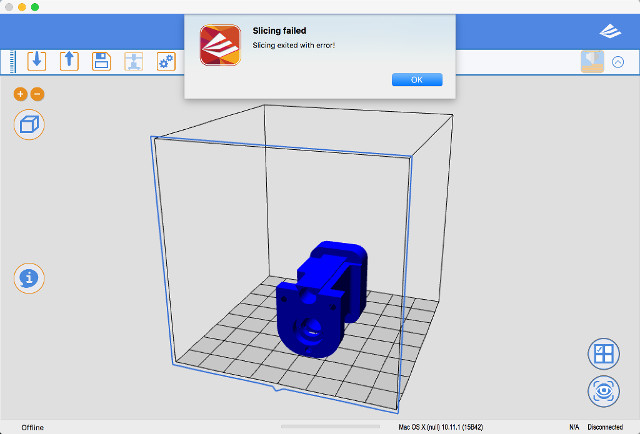
Exporting: In the General tab every time I try to use the #1 Custom Material slicing fails immediately.
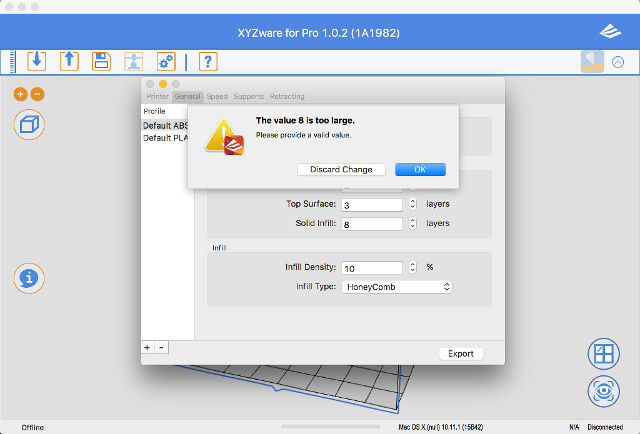
Problem #2 Entered number too large when it's not
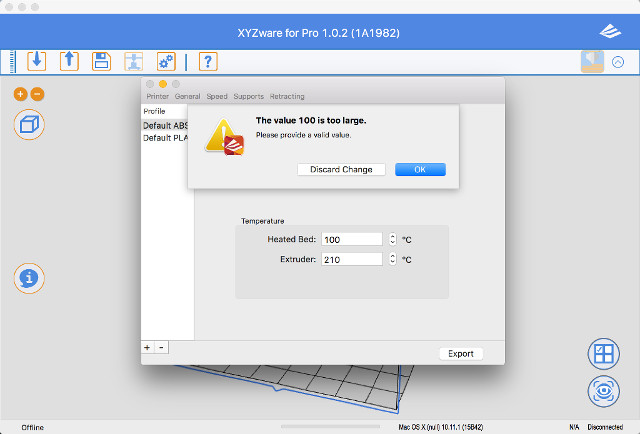
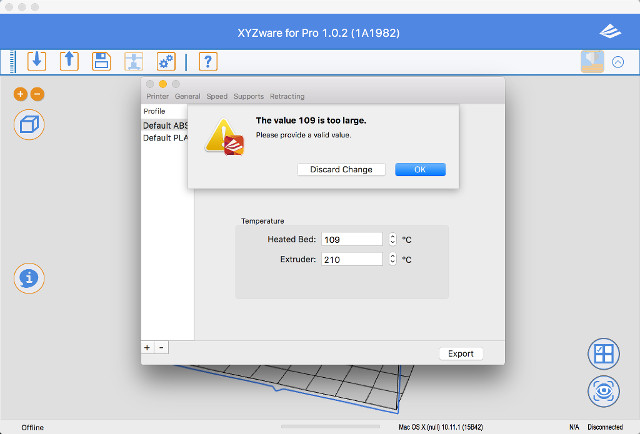
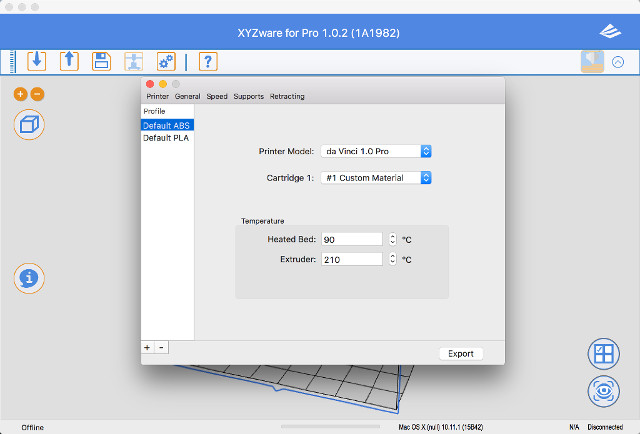
When exporting. On any of the tabs, Printer, General, Speeds, Supports, etc. if I type in a number in any of the boxes it I get a popup window that says “The Number Is Too Large” and has “Discard Change” and “OK” buttons. However if I choose that same number in the box that says it is too big using the Up or Down arrows then that same number is OK.
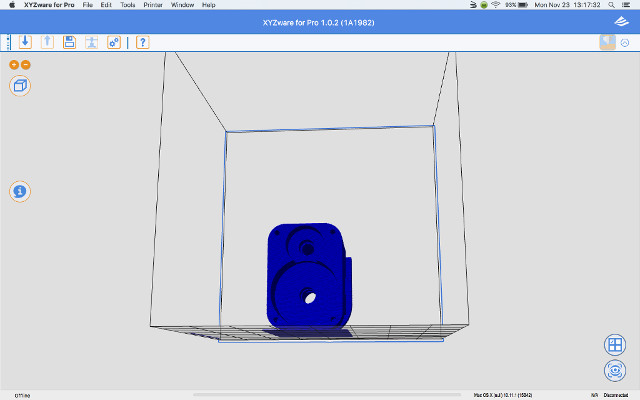
Problem #3 Can't minimize window after maximizing it
XYZware for Pro on OS X once you click on the Green button to maximize the window you cannot then ever minimize it again. In OS X when maximized moving the arrow to the top on the screen should show you the Apps menu items along with the Red, Yellow, and Green buttons. It shows the XYZware’s menu items but there are no Red, Yellow, and Green buttons so without the Green Button you cannot minimize the window.
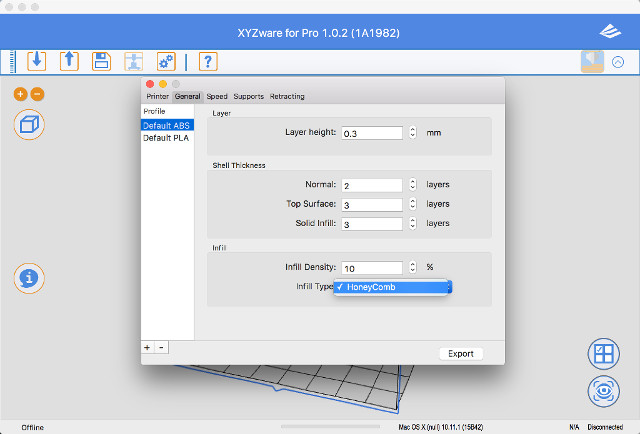
Problem #4 There is no Rectilinear Fill choice
There is no Rectilinear Infill Type to choose.
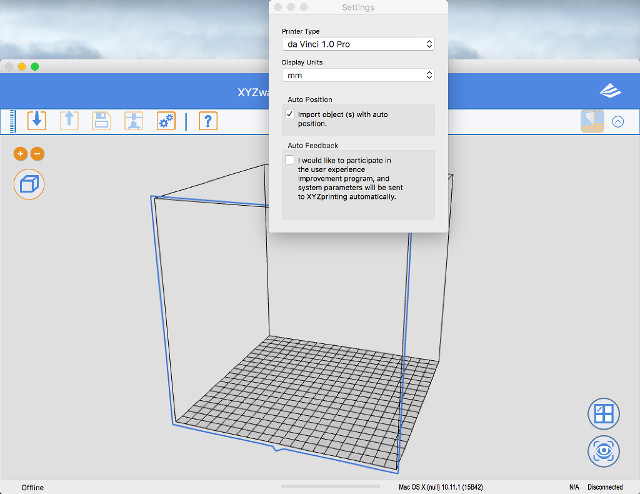
Problem #5 XYZware does not remember Inches Setting
XYZware for Pro does not remember Setting from mm to inches. Every time I start XYZware for Pro I have to go into Settings and set it to Inches.
Problem #6 Can't set the Bed temperature past 90°C
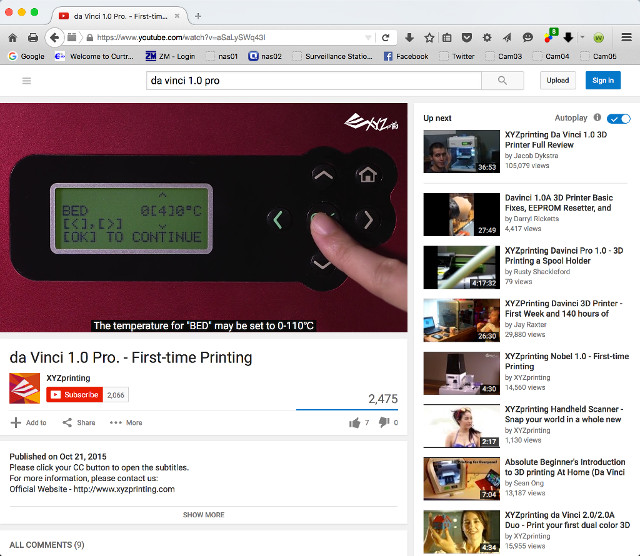
Manual states the Bed temperature can be set between 0°C to 110°C.
XYZware will not let me set the Bed temperature higher then 90°C.
Even their YouTube video "da Vinci 1.0 Pro. - First-time Printing” https://www.youtube.com/watch?v=aSaLySWq43I shows the Bed Temperature can be set from 0°C to 110°C.