<?xml version="1.0" encoding="utf-8"?>
<feed xmlns="http://www.w3.org/2005/Atom">
	<title type="html"><![CDATA[SoliForum - 3D Printing Community — OS X 3w file temperature modifier App]]></title>
	<link rel="self" href="https://www.soliforum.com/feed/atom/topic/16060/" />
	<updated>2017-02-07T23:09:08Z</updated>
	<generator>PunBB</generator>
	<id>https://www.soliforum.com/topic/16060/os-x-3w-file-temperature-modifier-app/</id>
		<entry>
			<title type="html"><![CDATA[Re: OS X 3w file temperature modifier App]]></title>
			<link rel="alternate" href="https://www.soliforum.com/post/132212/#p132212" />
			<content type="html"><![CDATA[<div class="quotebox"><cite>fonsinho wrote:</cite><blockquote><p>Working good in OSX 10.12.3. Thanksss!</p></blockquote></div><p>I very glad you&#039;ve found it usefull.<br />You&#039;re very welcome.</p><p>Regards!</p>]]></content>
			<author>
				<name><![CDATA[CoolArts]]></name>
				<uri>https://www.soliforum.com/user/15533/</uri>
			</author>
			<updated>2017-02-07T23:09:08Z</updated>
			<id>https://www.soliforum.com/post/132212/#p132212</id>
		</entry>
		<entry>
			<title type="html"><![CDATA[Re: OS X 3w file temperature modifier App]]></title>
			<link rel="alternate" href="https://www.soliforum.com/post/132202/#p132202" />
			<content type="html"><![CDATA[<p>Working good in OSX 10.12.3. Thanksss!</p>]]></content>
			<author>
				<name><![CDATA[fonsinho]]></name>
				<uri>https://www.soliforum.com/user/14933/</uri>
			</author>
			<updated>2017-02-07T21:42:38Z</updated>
			<id>https://www.soliforum.com/post/132202/#p132202</id>
		</entry>
		<entry>
			<title type="html"><![CDATA[Re: OS X 3w file temperature modifier App]]></title>
			<link rel="alternate" href="https://www.soliforum.com/post/131573/#p131573" />
			<content type="html"><![CDATA[<p>Added poll to header post.</p><p>I voted no need ;P</p>]]></content>
			<author>
				<name><![CDATA[CoolArts]]></name>
				<uri>https://www.soliforum.com/user/15533/</uri>
			</author>
			<updated>2017-01-24T20:13:31Z</updated>
			<id>https://www.soliforum.com/post/131573/#p131573</id>
		</entry>
		<entry>
			<title type="html"><![CDATA[OS X 3w file temperature modifier App]]></title>
			<link rel="alternate" href="https://www.soliforum.com/post/131545/#p131545" />
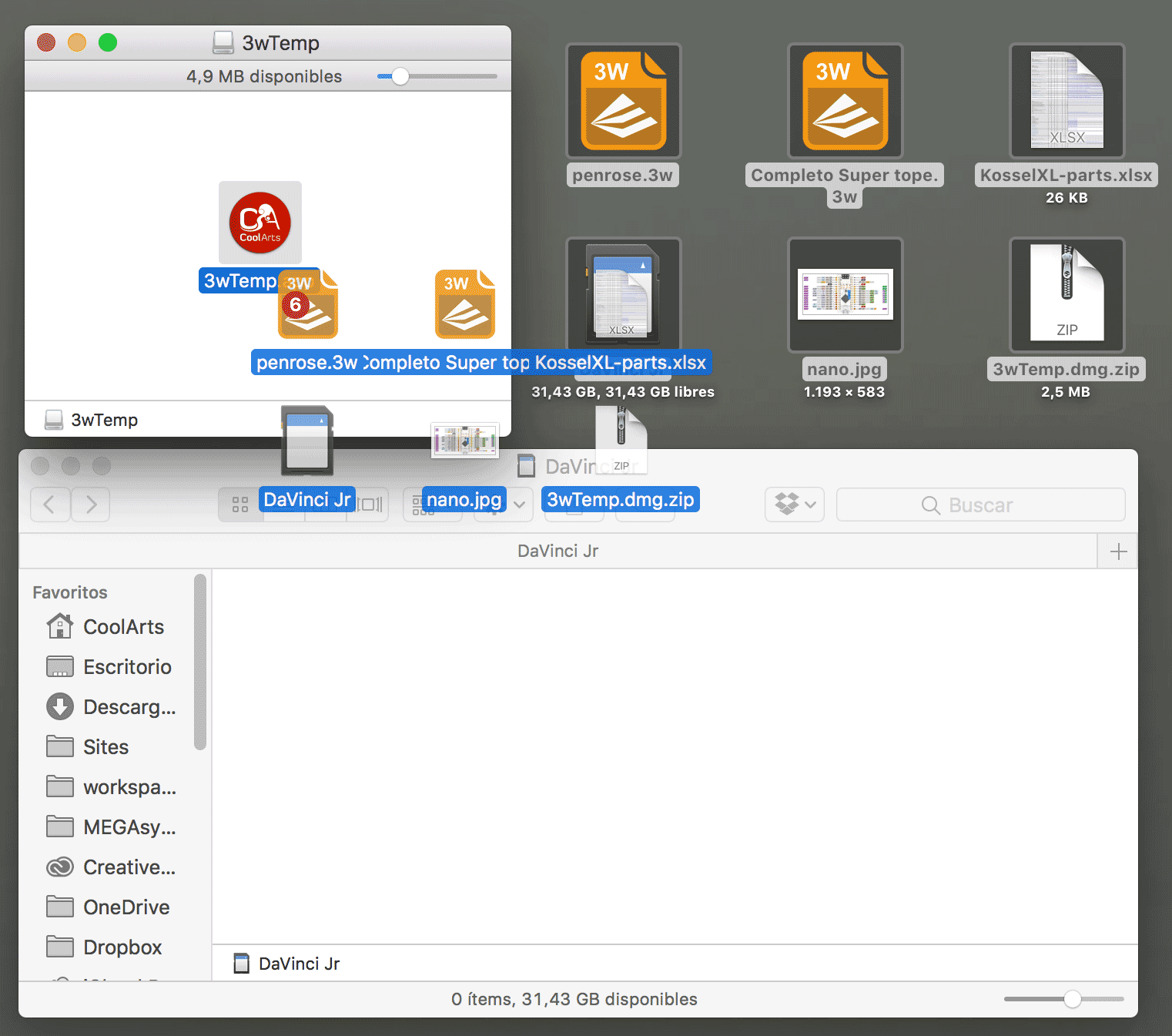
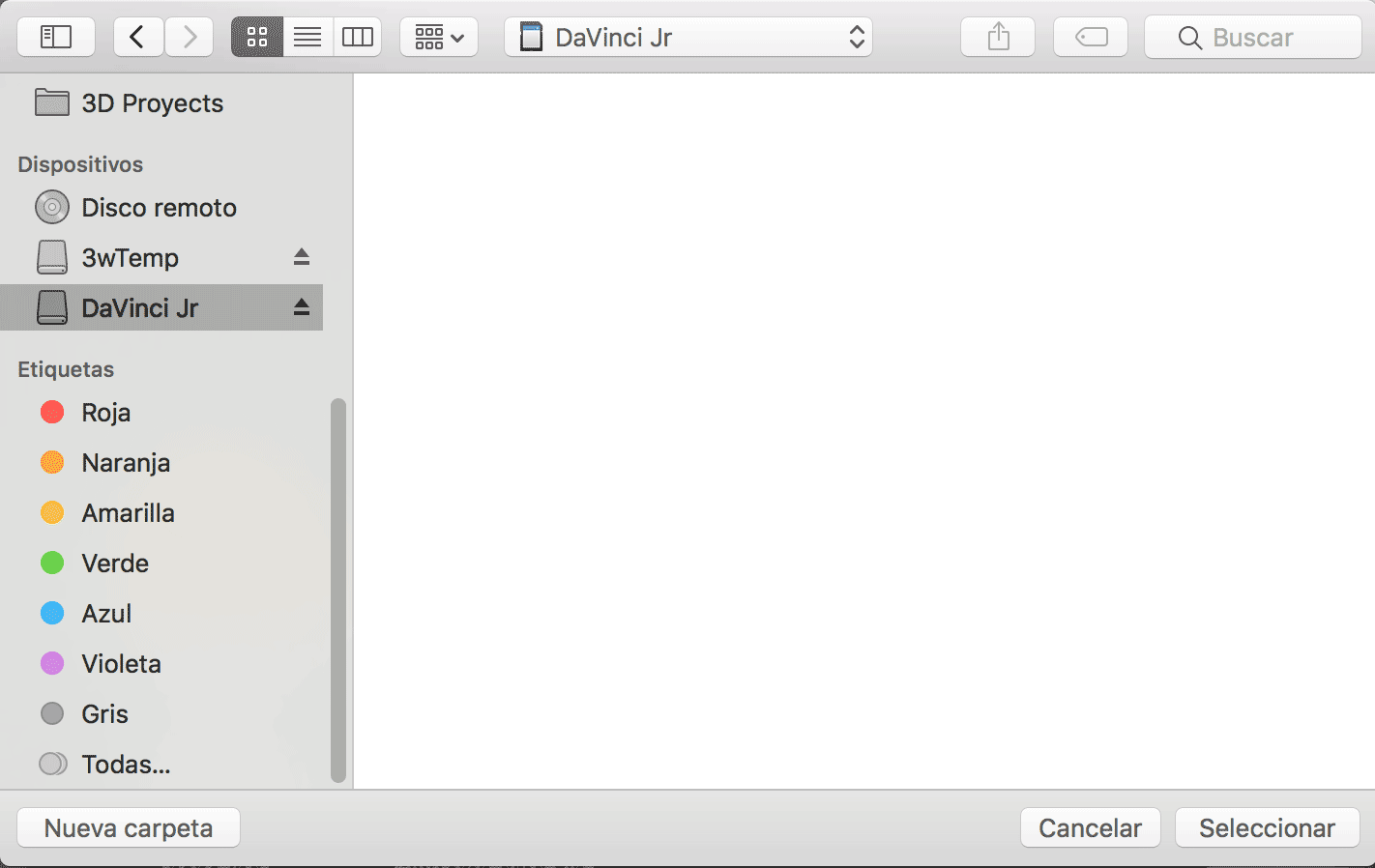
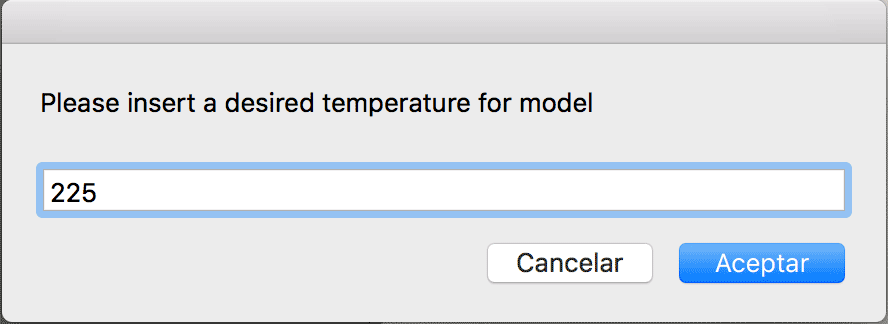
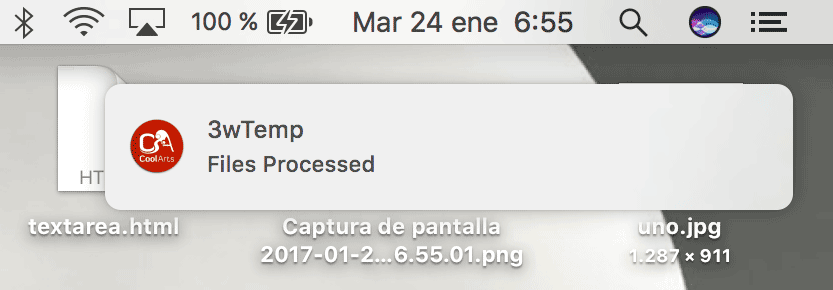
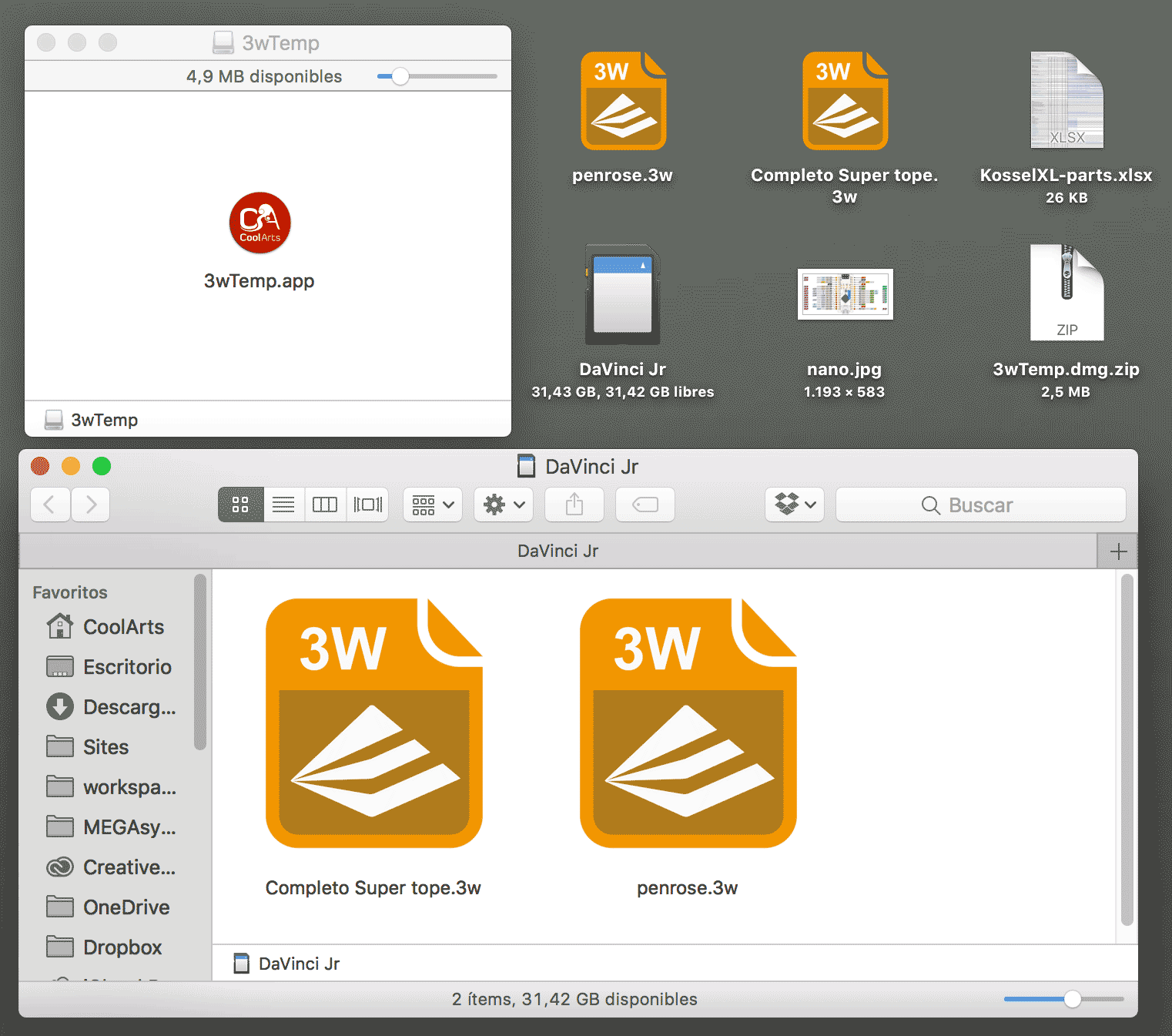
			<content type="html"><![CDATA[<p>In order to use this app you need to have threedub installed. A single search in this forum will tell you how.</p><p>This is a very very simple app that will modify temperature setting of 3w files in batch process, it&#039;s maded in Automator so you can open the app with automator and see everything inside.<br />This is my very first Shell Script or OSX Script, so please don&#039;t blame me <img src="https://www.soliforum.com/img/smilies/smile.png" width="15" height="15" alt="smile" />, i&#039;t will be great if you help me to enhance the code so we all can learn a bit, I will thank you alot.</p><p>Apart of the Automator processes, this is the script that does everything.</p><div class="quotebox"><cite>CoolArts wrote:</cite><blockquote><p><span style="color: #999999">#Define a temporary file to work with</span><br />tmpFile=&quot;/tmp/3w2GcodeTemp&quot;</p><p><span style="color: #999999">#Silent delete the file for if garbage exists</span><br />rm -f &quot;$tmpFile&quot;</p><p><span style="color: #999999">#Loop trough arguments passed by automator</span><br />for file in &quot;$@&quot;<br />do<br />&nbsp; &nbsp; <span style="color: #999999">#Conditional check for .3w extension</span><br />&nbsp; &nbsp; if [ &quot;${file: -3}&quot; == &quot;.3w&quot; ]; then<br />&nbsp; &nbsp; &nbsp; &nbsp; <span style="color: #999999">#Extract original name of the file</span><br />&nbsp; &nbsp; &nbsp; &nbsp; filename=$(basename &quot;$file&quot;)<br />&nbsp; &nbsp; &nbsp; &nbsp; <br />&nbsp; &nbsp; &nbsp; &nbsp; <span style="color: #999999">#Create temporary .gcode file with treedub and wait till it&#039;s processed</span><br />&nbsp; &nbsp; &nbsp; &nbsp; /usr/local/bin/threedub -f gcode &quot;$file&quot; &quot;$tmpFile&quot;<br />&nbsp; &nbsp; &nbsp; &nbsp; wait<br />&nbsp; &nbsp; &nbsp; &nbsp; <br />&nbsp; &nbsp; &nbsp; &nbsp; <span style="color: #999999">#Inyect temperature to temporary file</span><br />&nbsp; &nbsp; &nbsp; &nbsp; echo -e &quot;M104 S$1\nM109 S$1\n$(cat $tmpFile)&quot; &gt; &quot;$tmpFile&quot;<br />&nbsp; &nbsp; &nbsp; &nbsp; <br />&nbsp; &nbsp; &nbsp; &nbsp; <span style="color: #999999">#Create the .3w back inside the chosen folder and wait till processed</span><br />&nbsp; &nbsp; &nbsp; &nbsp; /usr/local/bin/threedub &quot;$tmpFile&quot; &quot;$2/$filename&quot;<br />&nbsp; &nbsp; &nbsp; &nbsp; wait<br />&nbsp; &nbsp; &nbsp; &nbsp; <br />&nbsp; &nbsp; &nbsp; &nbsp; <span style="color: #999999">#Delete temporary .gcode file</span><br />&nbsp; &nbsp; &nbsp; &nbsp; rm -f &quot;$tmpFile&quot;<br />&nbsp; &nbsp; fi<br />done</p></blockquote></div><p>Steps:<br />First you need to download <em>(2.4 Mb)</em>, uncompress, mount &amp; copy the app to your drive (or just use it from mounted dmg)<br /><strong><span style="color: #ff0000">Edit:</span></strong> Replaced link -&gt; 3wTemp.dmg.zip -&gt; to post attachment.</p><p>Create your 3w file with XYZWare as you always do, or choose an already processed bunch of 3w files and throw them to the app icon.</p><p>As you can see in the code abobe there&#039;s no need to drop only 3w files, the script will filter the files and process only 3w files. Do not throw a folder since the script doesn&#039;t check folder contents, that means that you will probably not process a single file that is inside a selected folder.</p><p><span class="postimg"><img src="http://soliforum.com/i/?xNYiaKU.png" alt="http://soliforum.com/i/?xNYiaKU.png" /></span></p><p>The app will ask you to choose a folder, just select where do you want to store final 3w temperature modified files.</p><p><span class="postimg"><img src="http://soliforum.com/i/?eGtjd5Z.png" alt="http://soliforum.com/i/?eGtjd5Z.png" /></span></p><p>Then you will be asked to insert the temperature</p><p><span class="postimg"><img src="http://soliforum.com/i/?r703ZRL.png" alt="http://soliforum.com/i/?r703ZRL.png" /></span></p><p>Once the batch process ends you will have a notification under notifications system tab</p><p><span class="postimg"><img src="http://soliforum.com/i/?3LQ0jhi.png" alt="http://soliforum.com/i/?3LQ0jhi.png" /></span></p><p>Check your choosen folder, and voila modified files will be there to print at your desired temperature.</p><p><span class="postimg"><img src="http://soliforum.com/i/?F6cxQo6.png" alt="http://soliforum.com/i/?F6cxQo6.png" /></span></p><br /><p>I wish this can be usefull to any one.<br />Best regards,<br />CoolArts.</p><br /><p>...</p>]]></content>
			<author>
				<name><![CDATA[CoolArts]]></name>
				<uri>https://www.soliforum.com/user/15533/</uri>
			</author>
			<updated>2017-01-24T06:45:43Z</updated>
			<id>https://www.soliforum.com/post/131545/#p131545</id>
		</entry>
</feed>